Debugging with AI is a diagnosis problem
Stop asking your AI to fix bugs. Ask it to investigate.
If your AI is guessing at bug fixes, you're doing it wrong.
You describe a bug. The agent generates hundreds of lines of speculative code across multiple files. The bug persists. You provide more context, describe the symptoms again, maybe paste in some logs. Same result. Eventually you give up and debug manually.
This is the pattern I see repeatedly. You conclude that AI can't debug. But the agent wasn't failing. You were asking it to do the wrong thing.
The guessing loop
Standard agent mode is optimized for writing code. You describe what you want, and it produces an implementation. This works well for features, refactors, and straightforward changes where the goal is clear.
Debugging is different. The goal isn't to write code. It's to understand why existing code behaves unexpectedly. When you ask a standard agent to "fix this bug," it does what it knows how to do: write code. It guesses at the cause based on your description, then generates a fix for that guess.
If the guess is wrong, the fix is wrong. More context doesn't help much because the agent is still guessing. It just makes more informed guesses. The loop continues until you either get lucky or give up.
Code-writing vs diagnosis
The insight that changed how I debug with AI: debugging isn't a code-writing problem. It's a diagnosis problem.
Good debugging follows a pattern. You form hypotheses about what might be wrong. You gather evidence to test those hypotheses. You narrow down until you find the root cause. Only then do you write a fix.
This is the same methodology consulting firms use for problem solving. Hypotheses first, then evidence, then action. The fix is the easy part. Finding the root cause is the work.
Standard agent mode skips the diagnosis and jumps straight to the fix. That's why it fails.
Hypothesis-driven debugging
Cursor's Debug Mode flips the approach. Instead of immediately generating code, it follows the diagnostic pattern.
Stop asking the agent to fix. Ask it to investigate.
Feed it error messages, stack traces, expected versus actual behavior. The more evidence upfront, the better its initial hypotheses.
In Debug Mode, the agent reads through your codebase and generates multiple hypotheses about what could be wrong. Some will match your first instincts. Others will surface less obvious failure modes: timing issues, stale state, environment-specific behavior, or a code path that rarely executes.
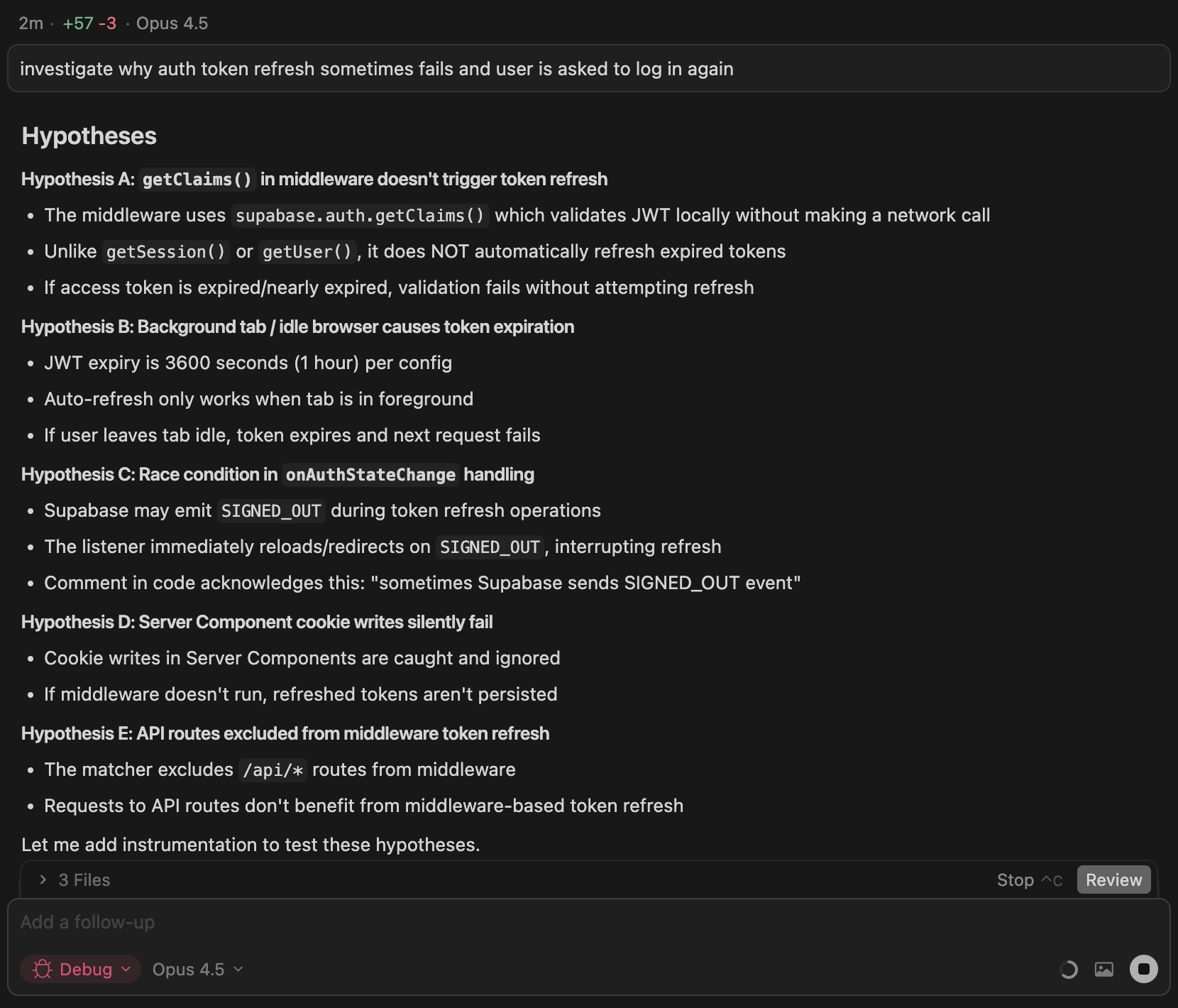
The screenshot shows a real example. I asked the agent to investigate why auth token refresh sometimes fails. Instead of guessing at a fix, it generated five hypotheses: middleware not triggering refresh, background tabs causing expiration, a race condition in state handling, silent cookie write failures, and API routes excluded from middleware. Each hypothesis has specific reasoning based on the codebase.
How Debug Mode works

The process follows eight steps:
- Describe the bug. You provide error messages, stack traces, reproduction steps, and expected versus actual behavior. The more evidence upfront, the better the agent's initial hypotheses.
- Explore and hypothesize. The agent reads through your codebase, builds context, and generates multiple hypotheses about potential root causes. Cursor built this by examining the practices of their best debuggers and rolling those workflows into the agent.
- Add instrumentation. The agent instruments your code with logging statements designed to test each hypothesis. These send data to a local debug server running in the Cursor extension.
- Reproduce the bug. Debug Mode asks you to trigger the bug while the agent collects runtime logs: variable states, execution paths, timing information.
- Analyze logs. The agent reviews the collected logs and pinpoints the root cause based on runtime evidence rather than speculation.
- Make targeted fix. The agent generates a focused fix that directly addresses the root cause. Often that's two or three lines instead of the hundreds of speculative changes you'd get from standard mode.
- Verify. You reproduce the bug again with the fix in place. If it's not fixed, the agent loops back to step 2, generates new hypotheses, and continues iterating.
- Clean up. Once the bug is confirmed fixed, the agent removes all instrumentation. Your commit contains only the fix.
When things stay broken
Some bugs live in the gray area. The patch passes tests, but behavior still looks off. The agent can't judge that. Only you can tell if something feels right.
If you say it's not fixed, the agent generates new hypotheses, adds more logging to test them, you reproduce again, and it refines until the bug is gone. This iterative loop is where the human-in-the-loop design matters most. The agent handles the tedious instrumentation work while you make the quick judgments that require human intuition.
When to use it
Debug Mode works best for bugs you can reproduce but can't explain:
- Race conditions and timing issues. Problems that depend on execution order or async behavior. Reproducing multiple times helps the agent triangulate.
- Memory leaks and performance problems. Issues that require runtime profiling to understand. You can see the symptoms but not the source.
- Regressions where something used to work. When you need to trace what changed but git history doesn't reveal it.
For obvious typos or straightforward errors where you already know the cause, standard agent mode is fine. Debug Mode adds overhead that only pays off for genuinely tricky bugs.
Tips for good results
Provide detailed context. The more you describe the bug and how to reproduce it, the better the agent's instrumentation. Include error messages, stack traces, and specific steps.
Follow reproduction steps exactly. Execute what the agent asks to ensure logs capture the actual issue.
Reproduce multiple times if needed. For race conditions or intermittent bugs, multiple reproductions help the agent identify patterns.
Be specific about expected vs actual behavior. Help the agent understand what should happen versus what is happening.
The collaboration
Debug Mode represents a different model for AI-assisted development. The agent isn't trying to replace your debugging skills. It's augmenting them with capabilities you don't have: rapid codebase exploration, systematic hypothesis generation, and automated instrumentation.
You bring the judgment. The agent brings the thoroughness. Tricky bugs that used to be out of reach become reliably fixable.
More from the blog
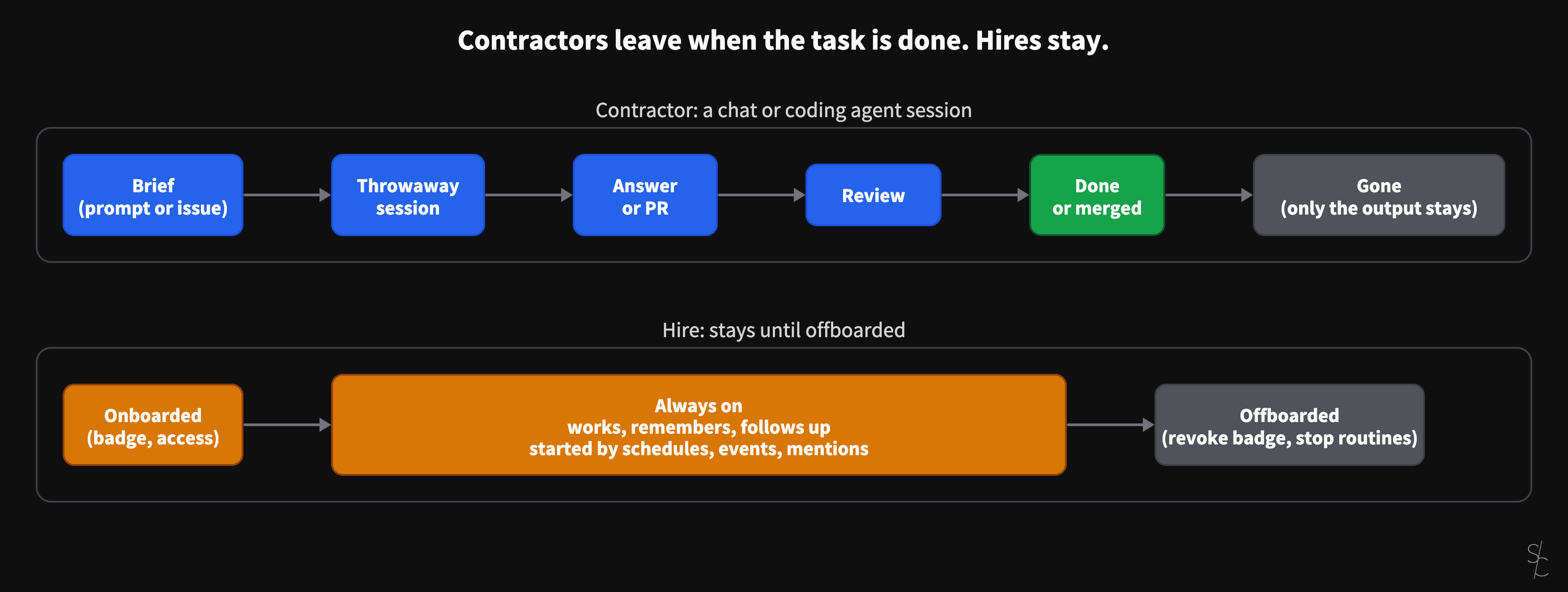
AI sessions are contractors. Always-on agents are hires.
A chat or a coding agent session ends when the task is done, when the answer is given or the PR is merged. Grok Bot and OpenAI's dots stay. That changes what you have to give them.
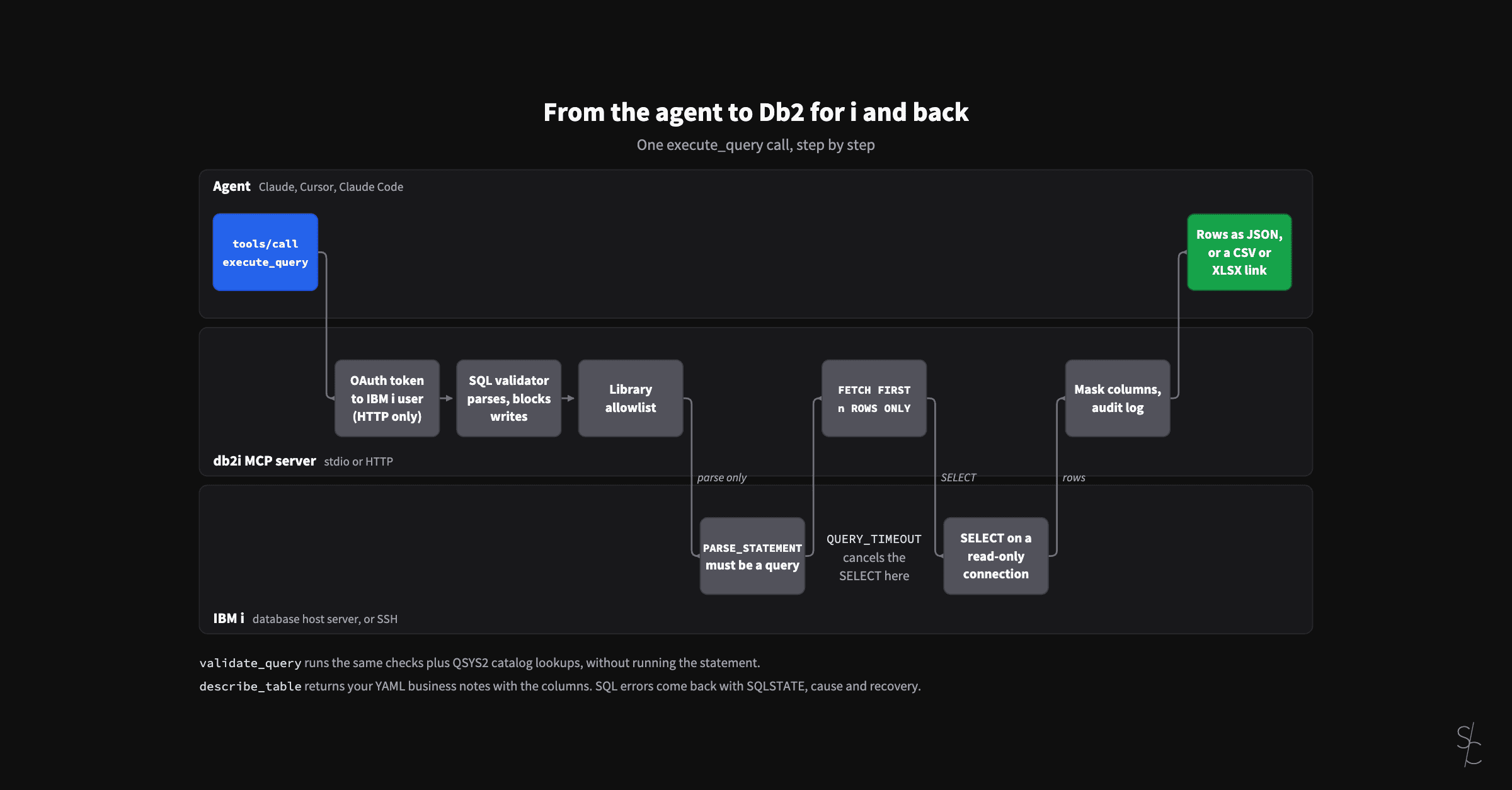
Eight months of an MCP server for Db2 for i
In January the server looked up table definitions so the AI would stop guessing. At 2.12 it checks its SQL against the IBM i, reads your business definitions, and lets colleagues sign in as themselves.
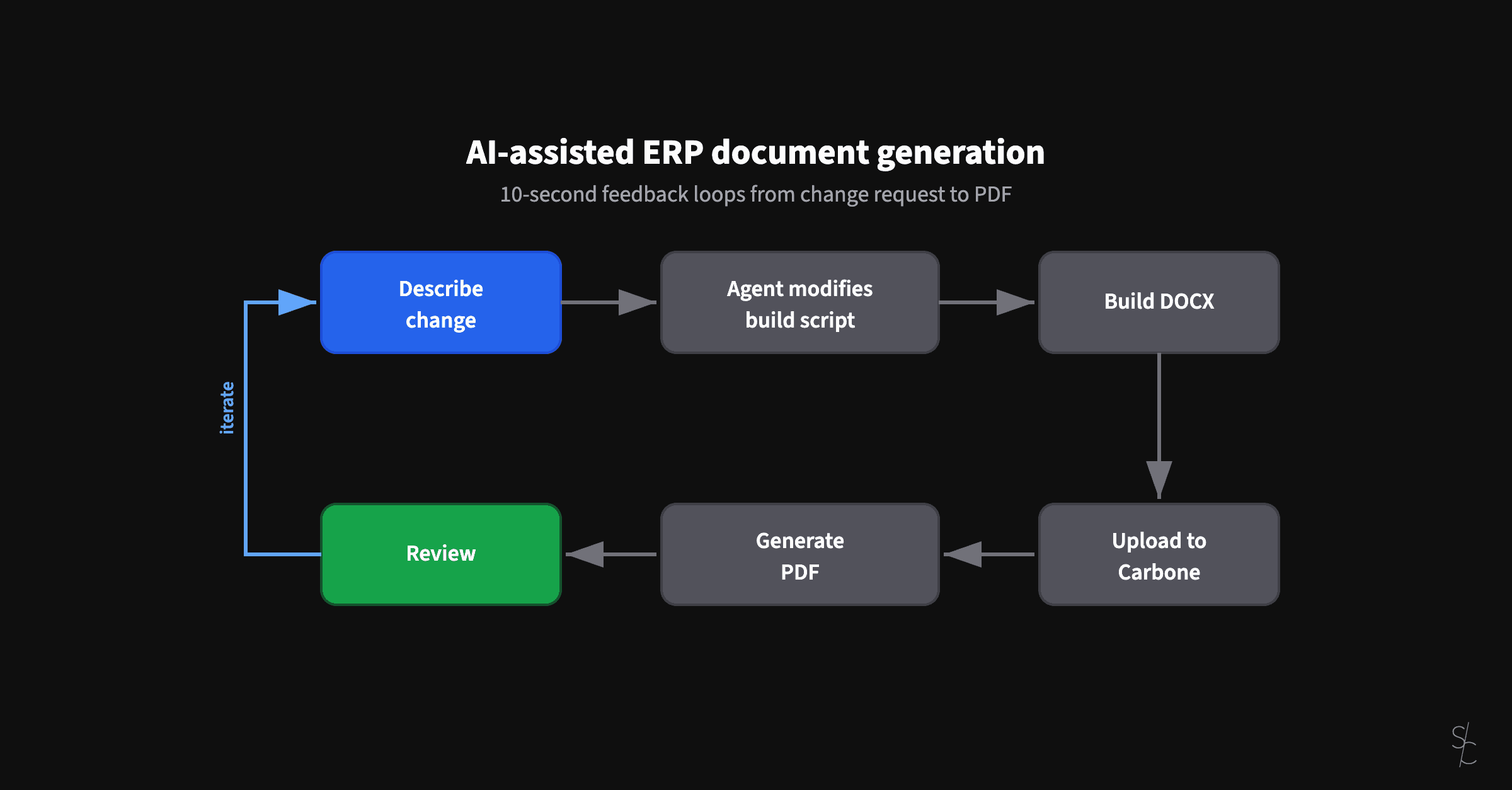
AI-assisted ERP document generation
ERP documents look simple. Underneath, they're conditional logic puzzles that have resisted modernization for decades.