Why AI works better on existing codebases
The assumption is that AI-assisted coding works best on fresh projects. After a year of experience, I think the opposite is true.
A few months ago I started a fresh project and let Cursor generate the first few API endpoints. It invented its own conventions. Three endpoints, three different patterns. Functional, but fragmented.
The following week I asked it to add a similar endpoint to a three-year-old codebase. Within minutes it had matched our existing patterns: the same error handling, the same response format, the same validation approach. The code looked like a senior developer on the team had written it.
Same developer. Same AI tool. Same type of task. Completely different results. I spent the next few weeks figuring out why.
The blank canvas problem
When you point AI at an empty repository, it has nothing to reference. No patterns to follow. No conventions to match. No examples to learn from.
The result: the AI invents patterns. And it invents different patterns for the same things in different places. One form uses React Hook Form with Zod. Another uses native form handling with manual validation. A third mixes both. Each file looks plausible in isolation, but the same capability is implemented three different ways.
You end up with a codebase that runs but isn't coherent.
How codebase indexing works
Tools like Cursor don't just read your code. They index it into semantic embeddings. Functions, classes, and logical blocks get chunked and vectorized. When you ask for something, the tool searches by meaning, not just text matching.
More code means a richer index. The AI can find relevant patterns, understand how similar problems were solved before, and extend existing approaches consistently.
An empty repo gives the AI nothing to search. An established codebase gives it a library of working examples.
What existing code provides
Brownfield projects give AI several advantages:
The AI can see how you handle authentication, structure API responses, manage state, format errors. It doesn't have to guess. It has references.
Import paths, file naming, folder structure, code style. These patterns exist in the codebase. The AI picks them up and follows them.
When you add a feature similar to an existing one, the AI finds that feature and mirrors its approach. Consistency comes naturally.
The codebase also reveals architectural choices. In a Next.js and Supabase project, the AI learns you use Server Actions for mutations, React Query for fetching, Zod for validation. It stops suggesting alternatives that don't fit your stack.
The catch
The existing codebase needs to be reasonably good.
I learned this the hard way on a legacy project with inconsistent naming and mixed paradigms. The AI dutifully reproduced the chaos. It found three different ways to handle errors in the codebase and used all three in new code.
A well-architected codebase compounds AI productivity. A messy one compounds technical debt. Before leaning heavily on AI assistance, ask yourself: is this codebase a pattern I want replicated?
Making brownfield work
For established projects, take time to explain the architecture using rules (Cursor Rules, Claude Skills, Windsurf Rules, Copilot Instructions, whatever your tool calls them).
The codebase shows the AI what patterns exist. Rules tell it which patterns to prioritize and when to use each one.
Good rules for brownfield projects:
- Architectural boundaries. Which folders are public, which require auth, where server-side code lives.
- Canonical examples. "See the order form for how we handle forms with validation."
- Which approach when. Server Actions for mutations, Route Handlers for client-side fetching.
- Legacy patterns to avoid. "The old API routes use a different auth wrapper. Don't copy those."
The combination of rich codebase context and explicit rules gives AI everything it needs to extend your system consistently. I wrote more about writing effective rules in a previous post.
Making greenfield work
If you're starting fresh, don't hand the blank canvas to AI immediately.
Build the first features manually. Create the folder structure, set up the core abstractions, implement a few representative features end-to-end. Even 10-20 well-structured files changes AI output dramatically compared to an empty repo.
Once you have working examples, write rules that capture what you built. Then let AI scale. New features follow established approaches. The codebase grows coherently.
When AI makes mistakes, improve your rules. Over time, mistakes decrease and velocity increases.
The baggage is the point
Here's what I didn't expect: the things that slow down manual coding become assets when AI can index them.
Understanding existing patterns. Matching conventions. Maintaining consistency. For a human developer, that's overhead. For an AI with semantic search, that's a library of working examples.
I used to think legacy code would fight against AI assistance. That all the accumulated decisions and constraints would confuse it. The opposite is true. The constraints guide the AI toward coherence. The "baggage" is exactly what it needs.
That three-year-old codebase I mentioned? It's now my favorite project to work on with AI. The one I thought would be hardest turned out to be easiest.
More from the blog
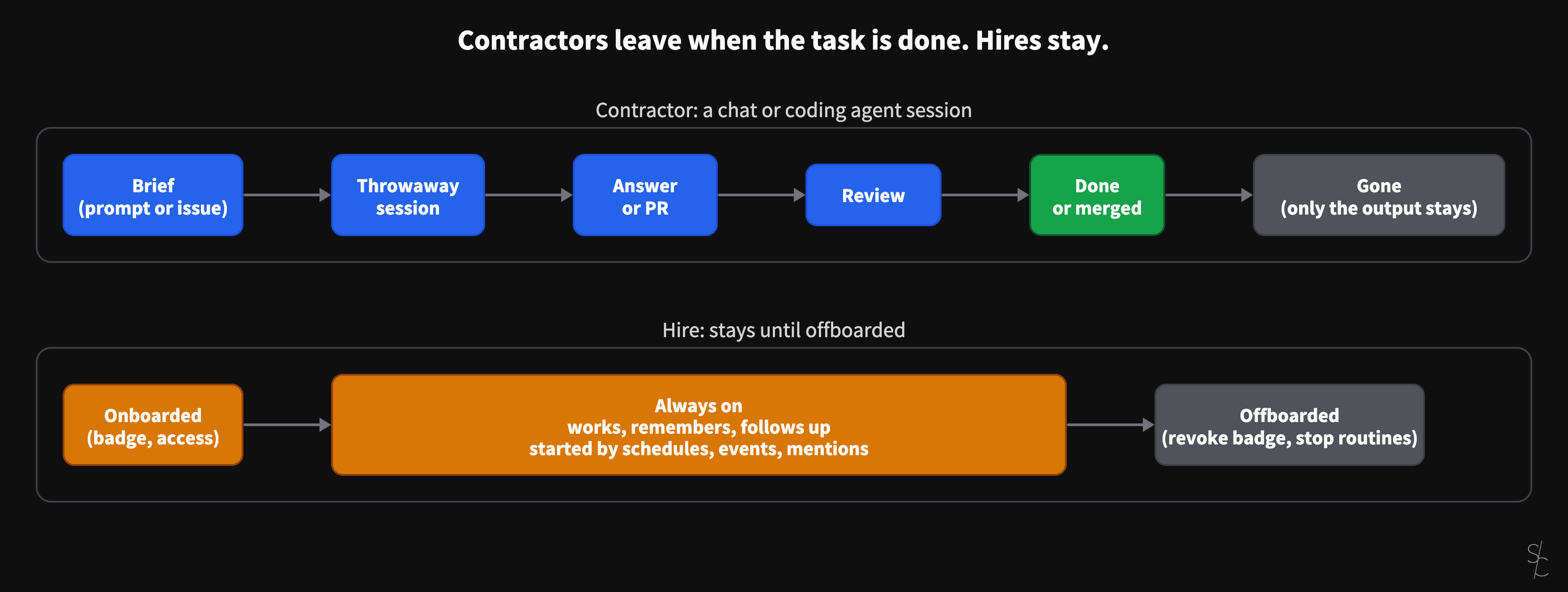
AI sessions are contractors. Always-on agents are hires.
A chat or a coding agent session ends when the task is done, when the answer is given or the PR is merged. Grok Bot and OpenAI's dots stay. That changes what you have to give them.
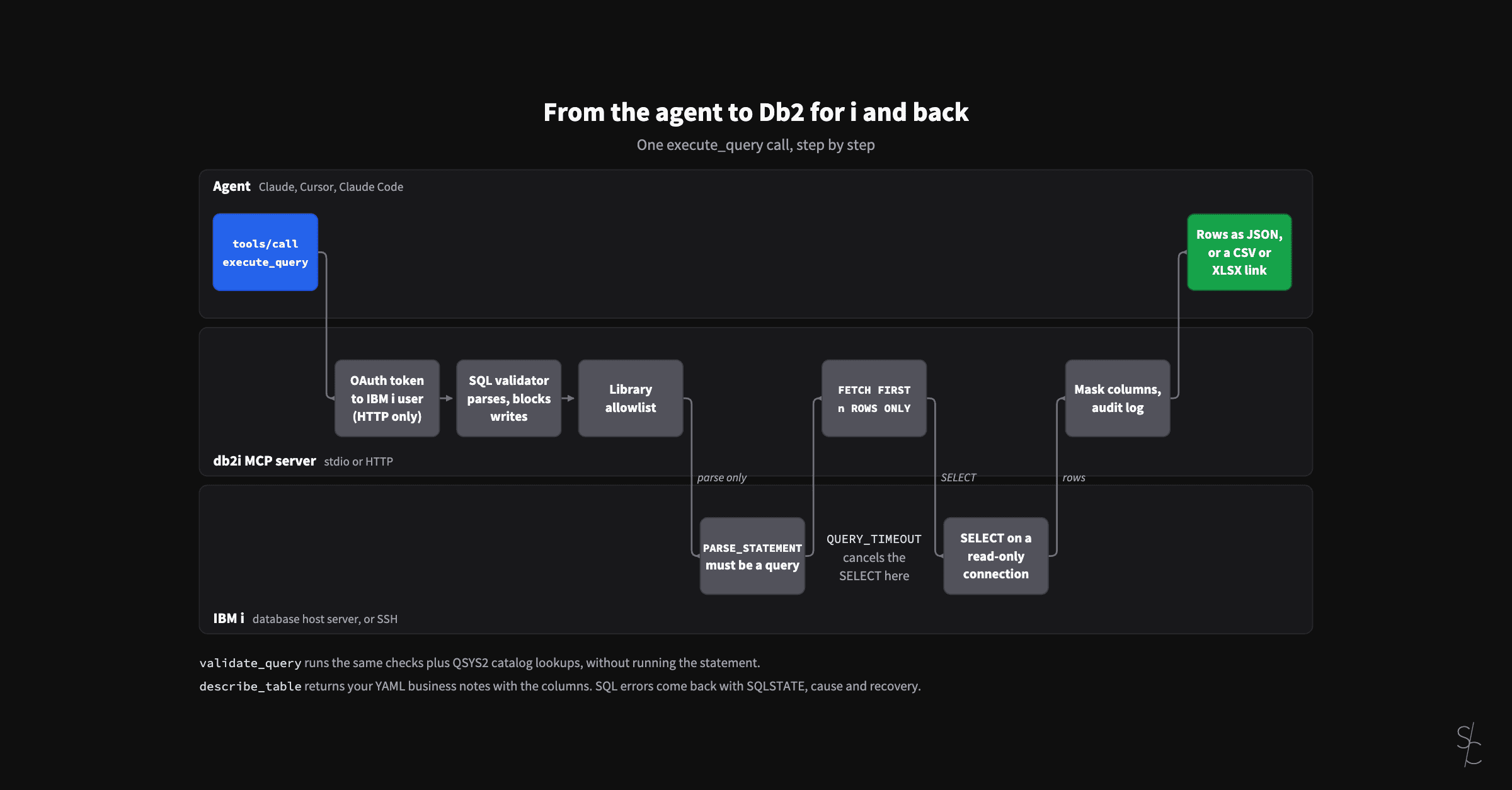
Eight months of an MCP server for Db2 for i
In January the server looked up table definitions so the AI would stop guessing. At 2.12 it checks its SQL against the IBM i, reads your business definitions, and lets colleagues sign in as themselves.
AI-assisted ERP document generation
ERP documents look simple. Underneath, they're conditional logic puzzles that have resisted modernization for decades.